Ceiling fan light keeps disconnecting? Leave the wall switch on
Someone flips the wall switch on the way out of the room, and the next evening the app cannot find the fan light. More of our support tickets on this category trace back to that one habit than to anything else. It is not a fault: the switch cut power to the module the app needs to reach.
Key takeaways
- Leave the wall switch on permanently. A blank plate over it ends the habit; the app needs the module powered.
- Ask before buying: can the light dim with the fan running, can the fan run with the light off, what happens after a power cut.
- Our fan light controllers run on iMeshting. Every mains-powered fixture relays for the others, so group fixtures as you install them.
- Blades that look stopped or reversed under dimmed light are two frequencies lining up, not a fault. Change fan speed one notch.
- Blade tips need 7 ft (2.1 m) of floor clearance and the ceiling box must be fan-rated. Check both before the electrician's visit.
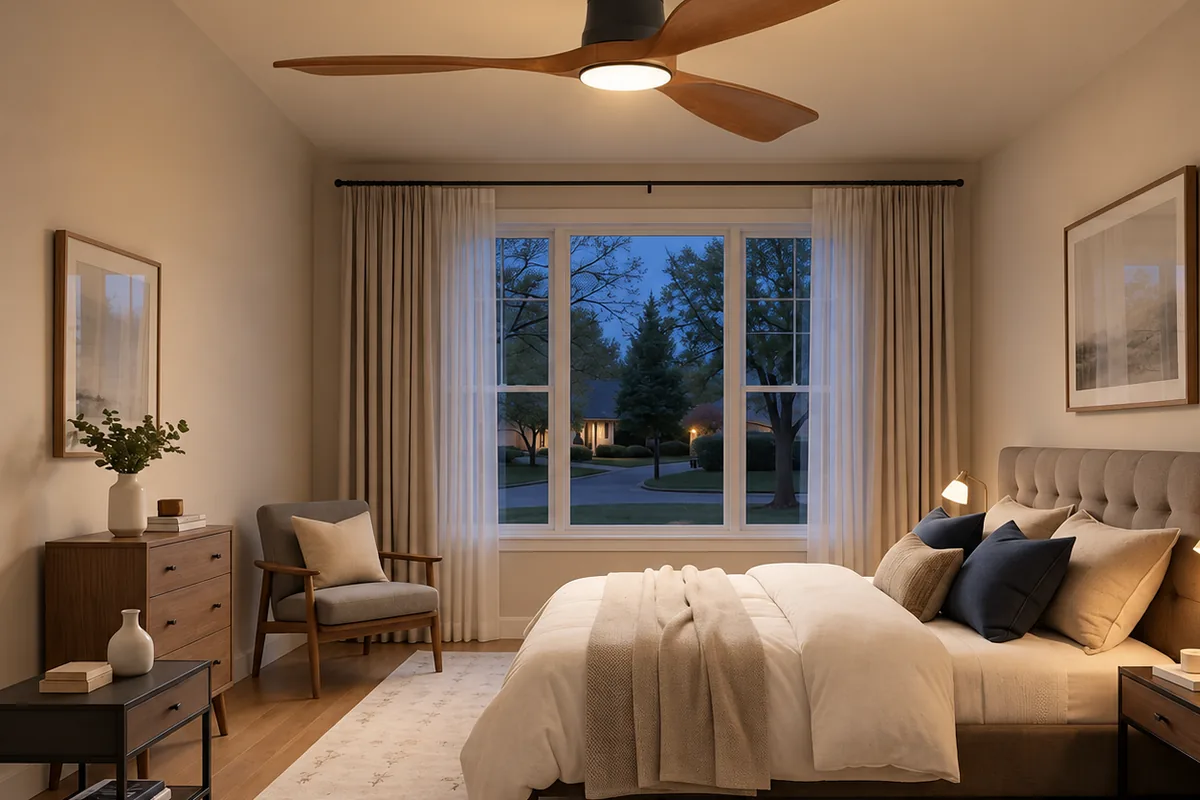
Why the wall switch takes the light off the app
The control module inside a smart fan light needs continuous power to stay on the network, exactly like a smart plug or a smart thermostat. Switch the circuit off at the wall and the module does not drop into standby — it stops existing on the network until power comes back. From the app's side the fixture has vanished, not gone offline.
Leave the wall switch permanently on and control everything from the app. This one instruction prevents almost every "my fan light stopped responding" report we receive. Once the fixture is on the network, the switch is for the electrician, not for daily use.
A household does not stop reaching for a switch because it was told to. Three ways to make the habit impossible:
| Fix | What changes | When it fits |
|---|---|---|
| Label the switch | Nothing electrical; a "leave on" sticker | Short term, or a rented home where the plate cannot change |
| Blank cover plate | Switch removed, wiring left exactly as an electrician expects to find it, nothing left to flip | The permanent fix for most rooms |
| Smart in-wall switch | Always live, adds its own app control | Rarely. Two control layers on one circuit add confusion — pick the switch or the module, not both |
Dimming follows the same rule. Dim from the app or the fixture's own control, not by chopping the mains at a wall dimmer. A wall dimmer not designed for the fan motor's load hums in the motor and flickers the light, and that is separate from the strobe effect below.
Are the light and the fan separate channels?
Inside the canopy there is either one receiver driving both the light and the motor, or two channels addressed separately. The box rarely says which, and the difference decides what you can ask of the fitting for the rest of its life.
Combined. One receiver, one set of commands. Cheaper, and fine for most rooms. The consequence: anything that cuts power to the receiver takes both out. A guest who flips the wall switch to kill the light stops the fan too, and on a warm night that is the complaint you will hear about.
Independent. Two channels, two addresses. The light dims while the fan keeps running; the fan runs all night with the light off; a voice command aimed at the light leaves the motor alone. That is what a bedroom wants, and it costs more because it is two control paths rather than one.
| Ask the seller | Why it matters | Answer you want |
|---|---|---|
| Can the light dim while the fan is running? | Separates a one-receiver build from a two-channel build | Yes |
| Can the fan run with the light off? | Overnight use in a bedroom | Yes |
| After a power cut, does it come back on, restore its last state, or stay off? | Nobody asks. It is what wakes people at three in the morning after an outage | Stays off, or restores its last state |
Whichever build you have, our fan lights appear in the app as one device with separate fan-speed and light controls, and both can go into a voice command or a room scene.
Fan speed and light brightness are different kinds of control. A ceiling fan motor has a few defined operating points, so speed comes in discrete steps; the light dims continuously. A remote or app that shows a smooth slider for the fan is either mapping it to those steps behind the scenes or not controlling the motor at all. If a supplier cannot say which, find out before the electrician is booked.
Why our fan lights use mesh rather than plain Bluetooth
Our fan light controllers run on iMeshting rather than a point-to-point Bluetooth app, for two reasons specific to this fixture type. First, a fan and light combination is two devices in one enclosure. You want fan speed and light controlled separately, sometimes by voice, sometimes inside a "living room" scene, and mesh networking is what lets a voice assistant or a scene reach both without you opening an app and picking a device each time. Second, a spinning motor is a source of electrical noise a few centimetres from the receiver. A mesh can route around a weak link; a single Bluetooth connection has no alternative path if the signal at that exact spot is poor.
Routing around a weak link works like this. Every mains-powered iMeshting device — any fixture running the protocol, not only fan lights — relays for every other device on the mesh. A plain Bluetooth link is one path between your phone and one device; if that path is bad, the connection is bad. A house with several fixtures on the mesh has many possible paths to any one light, so a fan light with a noisy motor beside its receiver is still reached through a neighbouring fixture's relay. More fixtures make the mesh more reliable, not slower.
The corollary: a mesh with one or two devices behaves much like plain Bluetooth. The relay advantage only appears once there are enough fixtures for a message to route through, which is why we recommend adding each fixture to the same room group as you install it rather than leaving it isolated. A single fixture far from every other device is the case most likely to feel slow or occasionally unresponsive. Pairing on iMeshting differs from our Bluetooth apps — you pick a device type and assign a room — and the steps are in pairing a light for the first time. Voice on the mesh can be a cloud assistant or the offline recognition built into some fixtures; what the offline kind gives up is in offline voice control.
The blades look stopped or reversed under dimmed light
If the light is dimmed by pulse-width modulation — switching on and off faster than the eye can follow, which is how most LED dimming works — and the blades happen to be turning at a multiple of that switching rate, the blades appear to slow, stop or run backwards under the light, the way a wheel freezes under a strobe. It shows up at certain mid-range fan speeds combined with certain dim levels, and vanishes at full brightness or at a different speed. Neither the fan nor the light is faulty: two independent frequencies have briefly lined up. Change the fan speed by one notch and it goes.
Before the electrician comes: box, downrod and blade height
A fan and light combination is much heavier than a light fixture alone, and it moves. Motor vibration reaches the mounting point continuously, not only during installation. Confirm the ceiling junction box is rated for a fan, not just a fixture: a fixture-only box is not built for sustained load and vibration, works loose over time, and shows it first as a wobble and eventually as play in the whole assembly. Do this before wiring the smart module, because a box is a far easier fix before the fitting is hung.
Downrod length changes the light's spread as well as the fan's clearance. A longer rod drops the light closer to head height and narrows the area it covers, which matters where the fitting is the room's main light rather than an accent.
In the US the figure everyone quotes is 7 ft (about 2.1 m) from the floor to the lowest point of the blades. It comes from the fan's own installation instructions, and NEC 110.3(B) makes those instructions binding; NEC 422.18 covers how the fan is supported. The measurement is to the blade tips, not to the light fixture hanging below them — and on some combined units the light housing sits lower than the blades, so it needs the same clearance.
| Ceiling height | Mounting | Blade clearance |
|---|---|---|
| 8 ft (2.4 m) | Flush-mount or low-profile, no downrod | Just over the 7 ft minimum |
| 9 ft (2.7 m) | Short downrod | Around 8 ft |
| 10 ft (3 m) and up | Longer downrod | 8 to 9 ft. A fan at exactly 7 ft in a tall room reads as low and out of proportion |
Measure to the lowest point of the blades, then to the bottom of the light housing, and take the lower of the two. On an 8 ft ceiling that usually rules out a downrod and points to a flush-mount fitting.
If the light has already dropped off the app
- Check the wall switch. If anyone used it, turn it back on and leave it on. The module has no memory of being "found" before; it simply reappears once power returns.
- Check the breaker. A breaker that tripped overnight is the other reason a fixture vanishes for no apparent reason.
- Rescan in iMeshting. With power restored, the app should find the fixture again within a normal scan. If it does not, and the fixture is the only device on the mesh, move the phone closer — an isolated fixture has no relay to lean on.
Leave the switch on and blank it, ask the three questions before buying, and check the box rating and blade clearance before the electrician arrives. The app for this category is iMeshting, for room grouping, voice control and combined fan-and-light scenes; the full app mapping covers every other category.
Questions about a specific fan light of ours? Contact us.